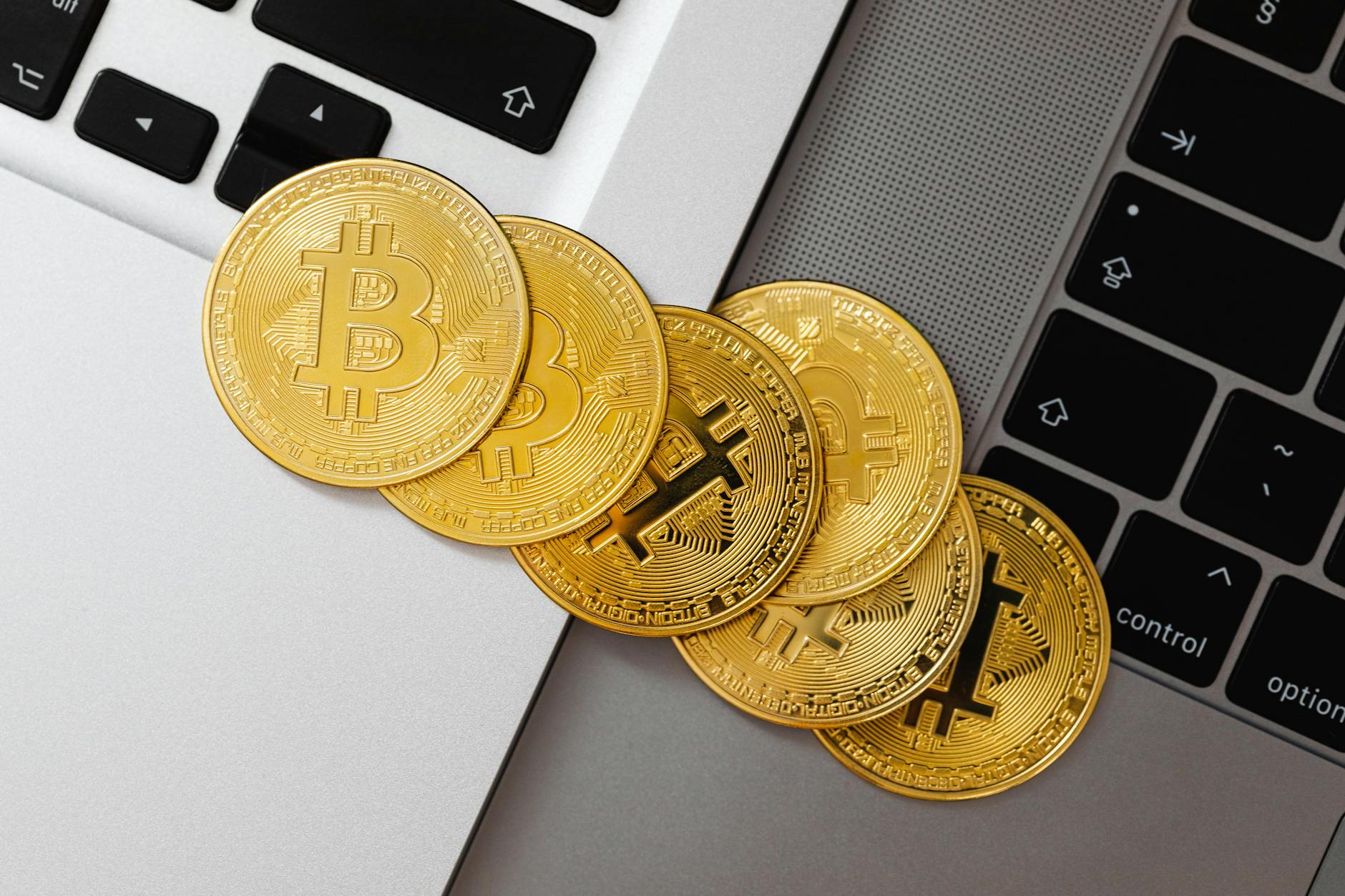
How to Safely Store Your Crypto: Wallets Explained
In the world of crypto, security starts with the way you store your coins. A wallet is not a vault on the blockchain; it’s the tool that lets you access and control your private keys. The right wallet and backup plan dramatically reduce risk, even if your device is compromised or your account is attacked. This guide breaks down wallet types, the pros and cons, how to choose, and practical steps to store crypto safely. Whether you hold a small basket of tokens or manage a larger portfolio for a business, the fundamentals stay the same: protect your keys, back them up securely, and minimize online exposure.
Wallets vs exchanges: why the storage choice matters
Exchanges can custody your coins, which is convenient but introduces counterparty risk. If the exchange goes offline, is hacked, or suffers fraud, you could lose access. A wallet gives you control, but with control comes responsibility. Your private keys or seed phrase become the single point of failure. The goal is to balance accessibility with risk tolerance.
Types of crypto wallets: hot vs cold and everything in between
Hot wallets: fast access for daily use
Hot wallets are connected to the internet. They are convenient for quick transactions, checking balances, and sending funds. They include mobile wallets on iOS or Android, desktop wallets on Windows or Mac, and web wallets accessed through a browser. The upside is speed and ease; the downside is a higher risk of online attack, phishing, or malware.
- Mobile wallets are handy for on-the-go spending and small transfers. Choose one with a long history of security updates and a reputable developer.
- Desktop wallets offer higher security than mobile in some cases but require a clean, updated computer.
- Web wallets are the easiest to access but rely on the security of the service provider and your browser.
Cold wallets: offline protection that lasts
Cold wallets are offline by design. They keep keys away from the internet, dramatically reducing exposure to hackers. They include hardware wallets (special devices) and paper or metal backups. Hardware wallets look like USB drives but store keys in secure elements. Paper or metal backups keep your seed phrase or private keys offline and protected from malware.
- Hardware wallets store keys in a dedicated device with secure firmware and PIN protection. They sign transactions without exposing keys to the host device.
- Paper and metal backups preserve seed phrases by writing them on paper or engraving them on metal plates for durability.
Multi-signature wallets and other advanced setups
Multi-signature wallets require more than one key to authorize a transaction. This adds redundancy and risk management, especially for groups or businesses. For individuals, a two or three key scheme can help after a device failure, while still preserving control.
Choosing the right wallet: a practical decision framework
When picking a wallet, consider these practical factors:
- Security features like passcodes, biometric locks, secure enclaves, anti-takeover protections, and firmware updates.
- Supported assets ensure you can store the tokens you own now and plan to buy.
- Backup options including seed phrase length and recovery flow.
- Ease of use and reliability; a good wallet should be intuitive and well maintained.
- Cost for hardware wallets ranges roughly from $59 to $199 depending on model and build.
Seed phrases, backups, and the backbone of crypto security
Behind every wallet is a seed phrase, a sequence of words that can recover your entire balance. Losing this phrase can mean losing access forever. Treat it as the master key to your digital fortune. In most wallets you will see a 12 to 24 word seed phrase. Write it down, in order, and store it offline.
- Record all words in order. Do not rearrange later.
- Store in a fireproof, waterproof container.
- Back up in a separate location from the original copy.
- Never store seed phrases in cloud storage or on devices connected to the internet.
Metal backups and safe storage options
Metal backups resist fire, water, and pests. They are widely recommended for long term holding. Choose a proven metal format with clear engraving and a tamper-evident case.
Best practices for day-to-day use and long-term storage
Adopt a simple, repeatable routine so you don’t drift into risky behavior. Here is a practical workflow you can adapt:
- Store the bulk of funds in a hardware wallet or a bank safe deposit style setup.
- Keep a small amount in a hot wallet for daily use and purchases.
- Regularly check your backups; test recovery on a new device every 6 to 12 months.
- Keep your devices clean: enable automatic updates for OS and wallet apps, use reputable antivirus, and avoid untrusted software.
- Be mindful of phishing: never click random links in emails or popups asking for seed phrases or recovery words.
Common mistakes to avoid
- Sharing seed phrases or private keys with anyone, even a "helpful" tech person.
- Storing seeds online, in plain text or cloud storage, including notes apps.
- Using wallets from unknown or unverified sources; trust only reputable developers and communities.
- Not testing recovery regularly; you only know it works when you actually recover funds.
- Failing to update firmware on hardware wallets or not enabling firmware rollbacks protection.
Real-world scenarios: practical numbers and decisions
Let’s look at typical choices and their cost implications. A popular hardware wallet from a reputable brand costs between $59 and $199 depending on model and bundle. If you hold a medium sized portfolio, this is a one-time investment that can save you from catastrophic loss caused by malware or phishing. Daily use of a hardware wallet adds a small friction: you will need to connect the device to your computer or use a companion app. However, the tradeoff is far lower risk.
A hot wallet on mobile may be free or cost a fraction of a dollar; many wallets are free. The risk you accept is higher: malware on your phone, SIM swap attempts, and fake apps. For frequent traders, you may prefer a blend: keep 10-20% of your holdings in a hot wallet for payments and transfers, and 80-90% in a hardware wallet.
Putting it all together: a simple decision tree
1. Do you plan to trade weekly or daily? If yes, a trusted hot wallet is appropriate for a portion of assets. 2. Are you storing a large amount for long term? Use a hardware wallet. 3. Do you require advanced security for a business? Consider multi-sig and trusted custodians.
Frequently Asked Questions
Here are answers to common questions about storing crypto securely.
Can I store all my crypto in a hardware wallet?
Yes, but only if you keep backup recovery phrases in multiple secure locations and never expose your seed. Integrate with a small hot wallet for daily use if needed.
What is the best seed backup method?
Metal seed backups are highly reliable. Always keep at least two separate copies offline in geographically separated locations.
Are multi-sig wallets safer?
Multi-sig can improve security by distributing control. It adds complexity and requires careful governance, especially for groups or families.
Should I use a custodial service?
Custodial services offer convenience but introduce counterparty risk. Only use them if you understand the tradeoffs and limit exposure by keeping core assets in non custodial wallets.
How often should I test recovery?
Test recovery at least once per year, or after changing devices. This ensures you can regain access if needed.
Conclusion: take control of your crypto security today
Storing crypto safely is less about chasing the perfect gadget and more about following a solid routine. Choose the right wallet, back up your seed phrase, and keep your devices clean and up to date. With proper safeguards, you maintain control while minimizing risk. Start with a reputable hardware wallet and gradually train yourself to keep most assets offline. Your future self will thank you.
Next steps and resources
Explore trusted wallets from big names in crypto hardware and software. Read official guides, verify firmware, and stay informed about security updates from the community. Always verify URLs, beware phishing, and verify code signatures when possible.


Discussion